••
guides
Best broadband router: do you actually need one?


guides
Somewhere in your home, usually on a windowsill or behind a plant, sits the router your provider sent you. It has blinked away for years, asking for nothing, and you have spent that whole time being told by the internet that it is rubbish and you must spend £200 to replace it. The websites telling you this earn a commission on the £200 router. Hold that thought.
Here is the short answer, because you came for one. For most UK homes in 2026, the free router from your provider is fine, and buying a new one will do nothing. The exceptions are real and we will get to them, but they are exceptions: big houses, thick walls, too much distance between you and the box or a genuinely old hub from a contract you signed before the pandemic. If none of those is you, save your money and read the last section, because your problem is probably somewhere else entirely.

The reason "buy your own router" was decent advice ten years ago is that the free hubs were genuinely bad. That has quietly stopped being true. The boxes the big providers ship now are mid-range kit that would have cost real money not long ago.
BT's Smart Hub 2 runs Wi-Fi 5 with seven internal antennas, which is dated on paper but perfectly happy throwing a strong signal around a flat or a normal terraced house. Virgin Media's Hub 5 runs Wi-Fi 6 and, unusually, has a 2.5Gb ethernet port, so it can actually feed a gigabit connection down a wire without choking. Sky ships the Wi-Fi 6 Max Hub on most plans, and on its top Gigafast tiers it now hands you a Wi-Fi 7 Gigafast+ Hub for nothing. A few years ago you paid a specialist for Wi-Fi 7. Now it arrives in a Sky box on a Tuesday.
The point is not that these are the best routers money can buy. They are not. The point is that "the free one" is no longer a synonym for "the bad one", and the gap between the hub on your windowsill and the £200 box in the listicle is far smaller than the listicle needs you to believe.
There is a real version of this problem, and it is almost always about coverage, not the router itself. A single router, free or expensive, throws a signal in a rough sphere that fades through every wall it hits. Put it in the corner of a four-bedroom house over three floors and the far bedroom gets the Wi-Fi equivalent of a tired wave from across a car park.
So the tell is geography, not speed. If your connection is quick in the same room as the router and falls apart two rooms away, that is a coverage problem and a new single router will not fix it, because it has the same job and the same physics. If it is slow everywhere, including wired in right next to the hub, the router is not your problem at all and you should hold off buying anything.
The honest checklist is short. Old hub from a pre-2021 contract, ring your provider and ask for the current model first, because it is usually free. Dead spots in a big or thick-walled home, you need mesh, which is the next section. Slow everywhere, skip to the last section. That covers almost everyone.
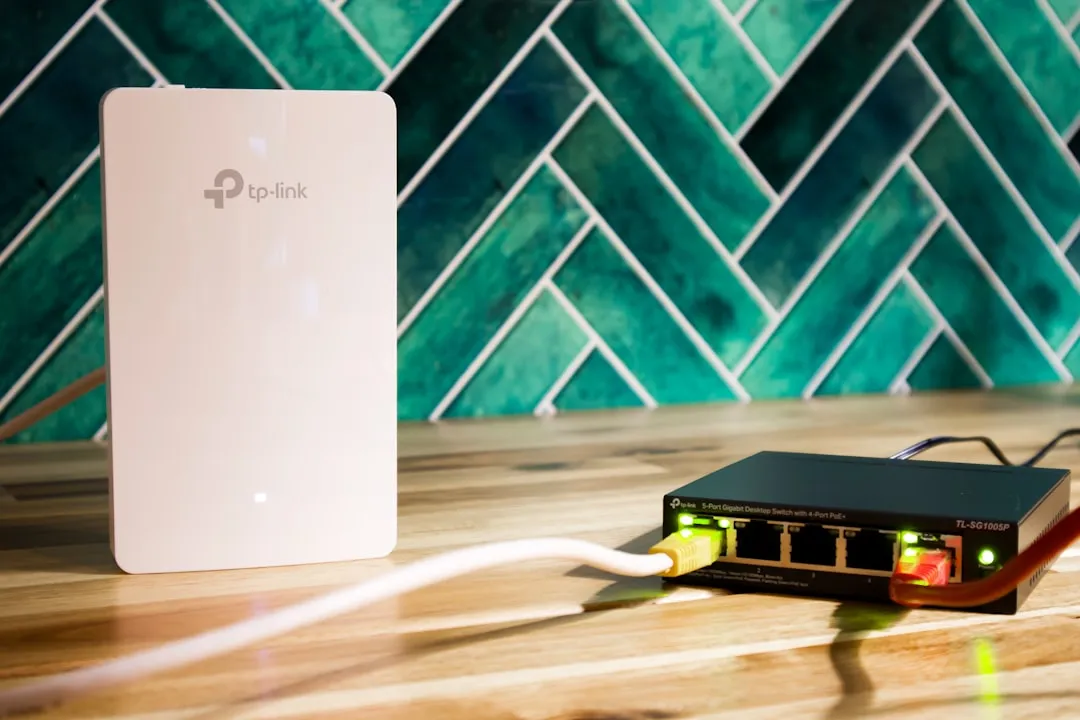
If the problem is dead spots, the fix is a mesh system, and this is the one upgrade actually worth paying for. A mesh is two or three units you place around the house that pass your phone between them as you walk, so you stay on a strong signal from the kitchen to the loft without your devices clinging to the nearest weak one.
What you should not buy is a Wi-Fi extender. An extender grabs the existing weak signal and rebroadcasts it, and in doing so it typically halves the speed at the exact spot you were trying to fix. It is the home-networking equivalent of photocopying a photocopy. People buy them because they are cheap and sound like the same thing as mesh. They are not the same thing.
For most homes a mesh system like the TP-Link Deco range does the job for somewhere around £200 to £250 for a three-pack, and it will transform a house that currently has a dead study. The big providers sell their own versions too, BT Complete Wi-Fi and Sky's whole-home add-ons, which are simpler to set up and bill monthly, though over a couple of years you usually pay more than buying a mesh outright. Either way, mesh is the answer to dead spots. A faster single router is not.
Sometimes you do want your own kit: you have a large home, you run a lot of demanding devices or you simply want control the ISP firmware does not give you. Fine. Two things to know before you spend.
If you are on a full-fibre or Openreach line, the swap is usually painless. The fibre ends at a small box on your wall called an ONT, and your own router plugs straight into it. On Virgin Media it is fussier: the Hub has to be put into Modem Mode, which switches off its own Wi-Fi and routing and lets your router do the work, after which you reach the Hub on a different address if you ever need it. Doable, but a faff, and worth knowing before you buy.
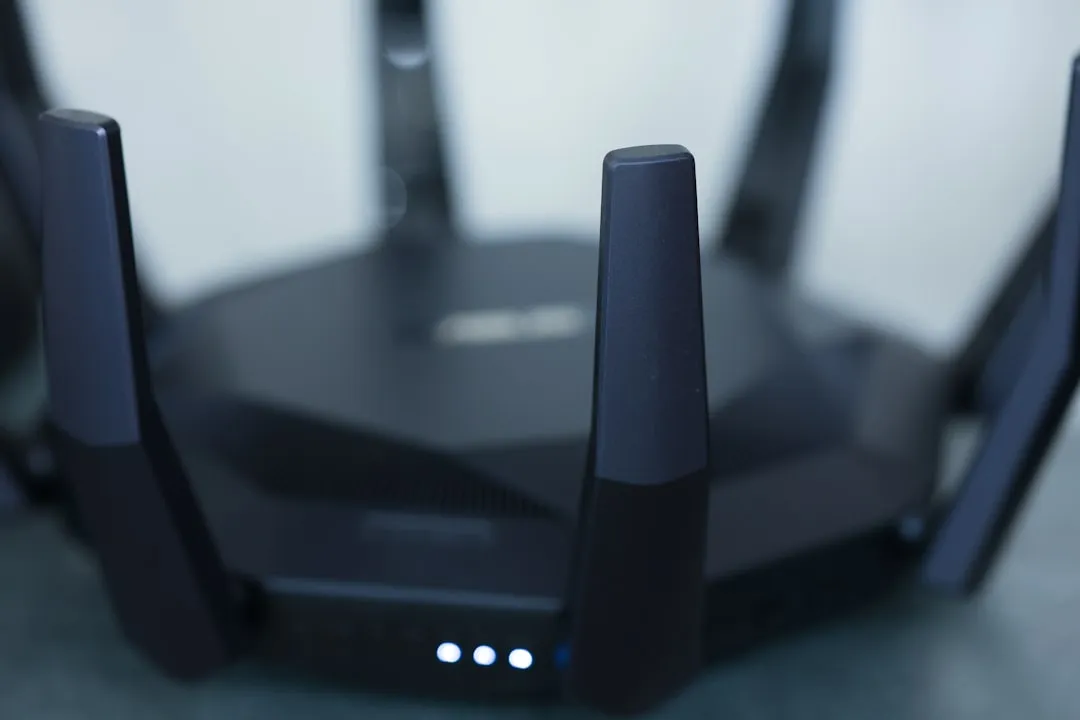
As for Wi-Fi 7, the honest take is that it is excellent and most people do not need it yet. It earns its price only if your line is already gigabit and your house is full of devices all demanding bandwidth at once. If your current setup copes, a Wi-Fi 7 router is a lovely thing that will change nothing you can feel. Buy it because you want it, not because a review scored it 9 out of 10 against tests your house will never run. Before you chase that kind of speed, check what broadband speed you actually need; most homes are nowhere near it.
A router cannot give you more speed than your line carries. This is the whole game, and it is the thing every "best router" list quietly skips, because "your problem is your contract, not your hardware" does not sell hardware.
If your broadband feels slow, the cause is almost always one of three things, and a new router is rarely one of them. It is Wi-Fi reaching badly across the house, which is placement and mesh. It is the line itself maxing out, which is your package or your connection type. Or it is something silly like a reboot overdue or the 2.4GHz band doing the work the 5GHz band should. It is worth ten minutes working through the free fixes before you spend a penny. If you are on old part-copper FTTC, no router on earth lifts you past what the copper allows, and the only real fix is a better type of line.
So before you buy a router, check what you are actually paying for. If the line is the ceiling, the upgrade that works is not a box from Amazon, it is a better deal, and a minute spent checking whether you are overpaying will tell you if your current one has drifted above the market. Here is a spread of live deals, from the cheapest going to the genuinely silly.
For most UK homes, no. The free hub from your provider is good enough unless you have dead spots in a large home or an old pre-2021 model. Ask your provider for the latest hub first, it is usually free.
Yes. On full-fibre and Openreach lines it plugs into the ONT box on the wall. On Virgin Media you put the Hub into Modem Mode first, which turns off its Wi-Fi so your router can take over.
Only if your line is already gigabit and you run a lot of devices at once. For a normal home on a normal package, Wi-Fi 7 changes nothing you will notice. Wi-Fi 6 or 6E is plenty.
Not if your line is the limit. A router can only pass on the speed your connection delivers. If you are slow everywhere, including wired in, the fix is your package, not your hardware.
If you take one thing from this, take this: spend on coverage if you have a dead-spot problem, spend on a better line if you have a speed problem, and spend nothing at all if the free hub is quietly doing its job. The router is almost never the villain. It just sits there, on the windowsill, taking the blame.
Deals from the providers mentioned in this guide.
Compare at your address
Drop in your postcode for the live shortlist, speeds, prices, and which providers actually reach your line.
A quick comparison of the providers discussed in this guide.
| Provider | Type | Details |
|---|---|---|
BT | Major provider | View deals → |
Sky | Major provider | View deals → |
Virgin Media O2 | Major provider | View deals → |
EE | Major provider | View deals → |
Vodafone | Major provider | View deals → |
Compare at your address
Drop in your postcode for the live shortlist, speeds, prices, and which providers actually reach your line.
Providers featured
See allMentioned in this post

BT
MajorThe UK's largest broadband provider, offering FTTC and FTTP packages nationwide.

Sky
MajorPopular broadband and TV bundles with superfast and ultrafast options.

Virgin Media O2
MajorCable broadband with speeds up to 1.1Gbps in covered areas.

EE
MajorBT-owned provider offering 4G/5G backup and fibre broadband.

Vodafone
MajorFull fibre broadband with pro-rated exit fees and price guarantees.

A plain-English walk through every broadband contract clause that matters: minimum term, intro price, the new pounds-and-pence rise rule, setup fees, exit charges, cooling-off rights and the speed guarantee that can get you out free.

If your broadband is slower than advertised, a wired speed test against your minimum guaranteed speed tells you whether it is a wifi problem you can fix or a fault your provider has 30 days to put right.

Moving home means a new broadband order rather than a switch. Here is how to check what the new address can get, when to order and how to be online from day one.

Full fibre availability changes street by street. How to check your exact address, who is building it, and what to do if you cannot get it yet.
Compare at your address
Drop in your postcode for the live shortlist, speeds, prices, and which providers actually reach your line.


