When the
connection isn't.
Buffering, drop-outs, slow speeds, no internet at all. We ask the right question first, then split it into the bit you can fix from the sofa and the bit that's your provider's to sort.
 Edited by Ade·UPDATED 30 MAY 2026
Start with what's actually
broken.
The fastest fix depends on what's failing. Pick the symptom that matches and we'll walk through it.
 ★Featured by Ade
9 Apr 2026
When the wifi isn't working
Wifi not working splits into two completely different problems. Work out which one you have first, then follow the path that actually fixes it.

7 Apr 2026
When you've got no internet at all
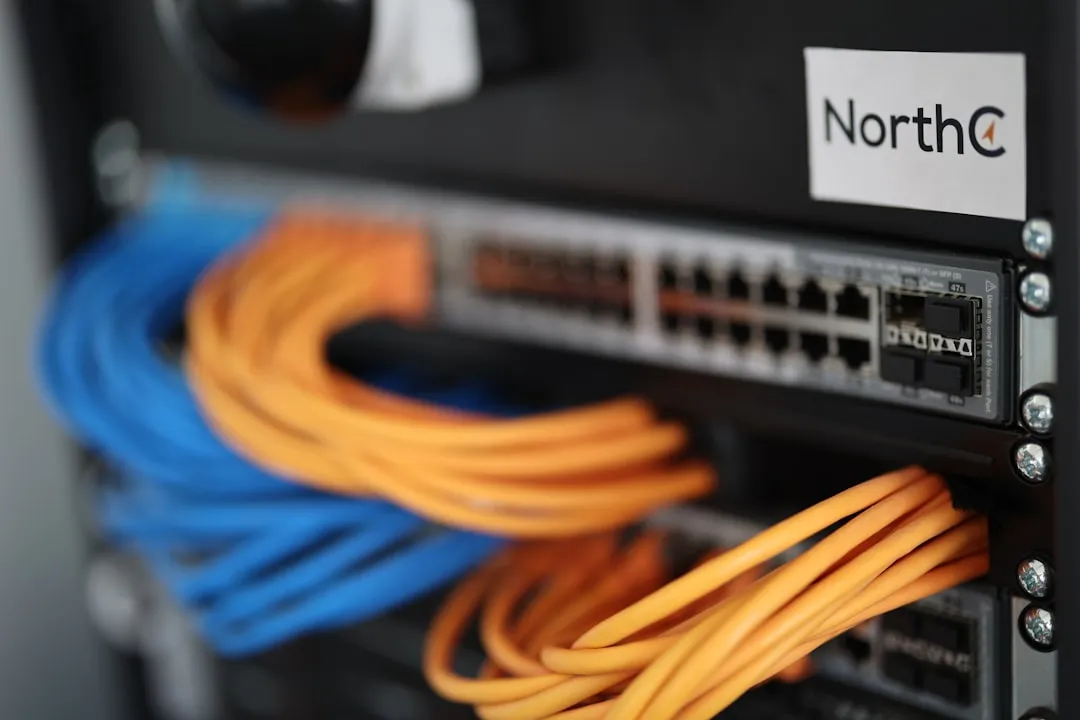
No internet at all? Run these five checks in order, from the router to the line to a real ISP outage, and you find the one thing that has actually broken.
5 Apr 2026
When the broadband itself keeps disconnecting
If the whole line drops and not just one phone, the fault is your connection, not your wifi. Here is how to tell a re-sync from a router crash from a line fault, and what to say to your ISP.

2 Apr 2026
Why is my broadband slow? How to find the cause
Slow broadband has a handful of usual causes, and they leave different fingerprints. How to tell whether it is your wifi, peak-time throttling, something that changed today or the line itself, and the complaint wording that gets money back.
31 Mar 2026
How to speed up your broadband
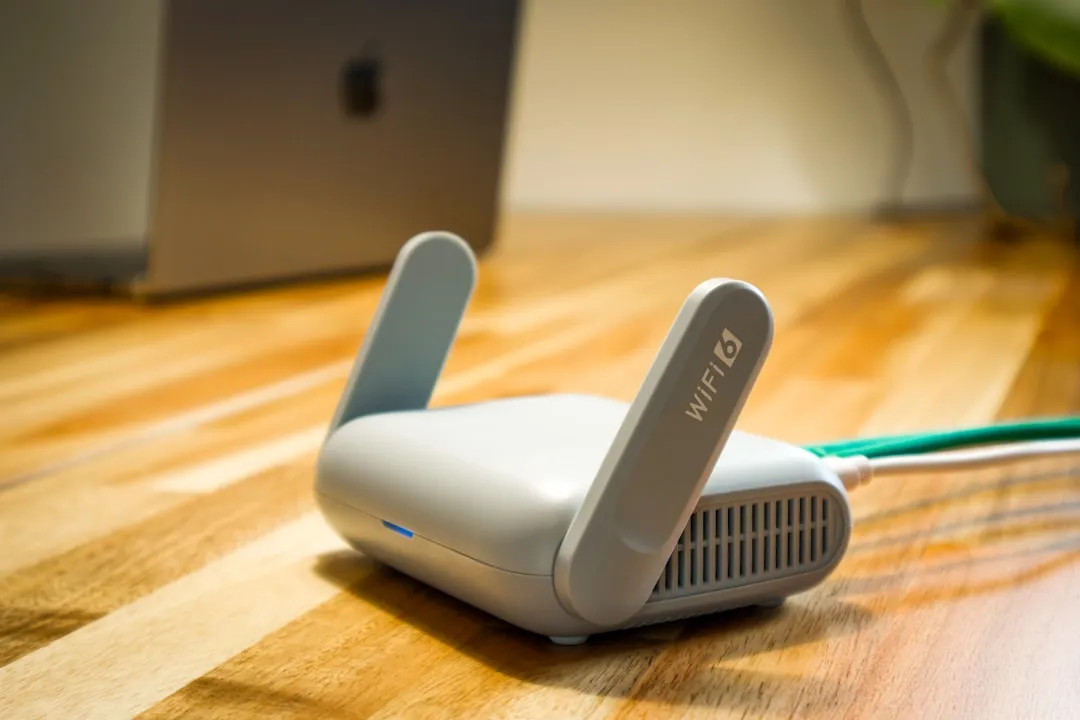
Most slow broadband is a Wi-Fi problem, not a line problem. Work through the fixes in order, from the 60-second wired test to the point where the only real fix is a faster line.

29 Mar 2026
When the wifi keeps disconnecting
Wifi that drops every few minutes, on one device, or in one room is three different problems. The pattern of the drops tells you which, and where to start.