••
troubleshooting
How to speed up your broadband

troubleshooting
There is a moment, usually on a Sunday evening, where the film stops to think about itself, the little circle spins and someone on the sofa says the words "is the internet down again." Nobody gets up. Everyone looks at the one person who once fixed it by walking over to the router and staring at it. That person is now you, and you have opened this page because staring at the router has stopped working.
Here is the good news, and it is genuinely good news. Most slow broadband in a UK home is not a broadband problem at all. It is a Wi-Fi problem, a device problem or a router-in-the-wrong-cupboard problem. The actual line coming into your house is usually doing its job. So before you ring anyone, work through the checks below in order. They are sorted by how much they fix divided by how little effort they take, which is the only order that matters.

This is the one step everyone skips, and it is the one that saves you an hour on hold to a man called Dave from Retention. Plug a laptop directly into the router with an ethernet cable, then run a wired speed test. Do nothing else.
If the wired number is close to the speed you pay for, your line is fine and every remaining problem is Wi-Fi. If the wired number is also slow, the problem is the line or the provider, you can jump to the last section, or dig into why your broadband is running slow for the deeper diagnosis. This single test tells you which half of the article to read. Run it before you change anything, and run it again after, so you can see whether anything you did actually worked.
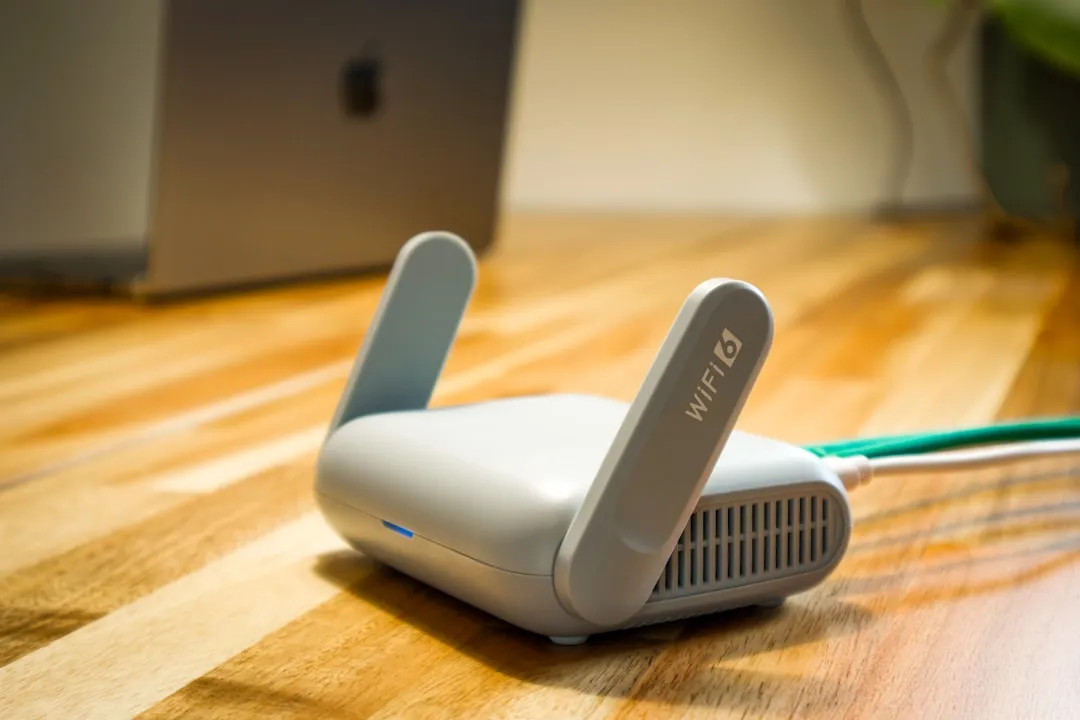
Your router throws out a signal in a rough sphere, and that signal hates walls, water and metal. If the router lives behind the telly, on the floor, inside a cabinet, next to the microwave, you have hidden the one device in the house that needs a clear view of everything.
Get it up high, out in the open and as central as the master socket lets you. Off the floor and away from the kitchen does more for a typical home than any setting you can change. A fish tank between you and the router is a genuine speed problem, because water blocks the signal, and most people never think to blame the fish.
Almost every modern router gives out two signals: 2.4GHz and 5GHz, and newer kit adds 6GHz on top. They are not interchangeable, and picking the wrong one is why your phone crawls in the back bedroom.
The short version: 5GHz and 6GHz are fast but travel poorly and give up at the first solid wall. 2.4GHz is slower but reaches further and shrugs off walls. So use 5GHz or 6GHz when you are near the router, and let further-away devices drop to 2.4GHz. Many routers handle this for you under one network name. If yours splits them into two names, connect to the faster band when you are in the same room and the slower one when you are at the other end of the house.
Restart the router about once a month. Not because it is a magic fix, but because routers are small computers that get tired, and a reboot clears the cobwebs. Switch it off at the wall, wait thirty seconds, switch it back on, and give it two minutes to settle.
While that is happening, look at how many things are quietly using the connection. A 4K stream, a console downloading a 90GB update and a phone backing up photos will flatten a modest line between them, and none of it is your provider's fault. Pause the big downloads when someone needs the bandwidth.
And ignore most of what the internet tells you about hidden router settings. Changing your DNS, fiddling with QoS, flashing custom firmware: for the average home these move the needle by almost nothing, and some of them make things worse. Most "speed up your broadband" lists run to twelve tips because twelve tips is more room for adverts. You need about five, and you have now done four of them.
Sometimes the router really is the bottleneck, usually the free one your provider shipped you in 2019. For most homes the supplied router is fine, and whether your ISP router is good enough has a longer answer than the forums give it. The cases where it is not are big houses, thick walls and homes where the signal has to cross three floors.
If that is you, the fix is a mesh system, not a Wi-Fi extender. An extender rebroadcasts a weakening signal and tends to halve your speed in the process. A mesh sets up several units that hand your devices between them as you move around, and it holds the speed up across the house. As for Wi-Fi 7, it is real and it is good, but it only earns its price if your line is already gigabit and your house is full of devices. If your current setup copes, keep it another year.

If the wired test from the first section was slow, no amount of router-shuffling will help, because you cannot squeeze more down the line than the line carries. This is the bit the other guides leave out, because the honest answer is not a tip, it is a new contract.
Plenty of UK homes are still on FTTC, where fibre runs to a green street cabinet and then tired copper carries it the last stretch to your door. Copper fades with distance, which is why two neighbours on the same deal can get wildly different speeds. Full fibre runs glass all the way in and does not fade like that. If you are on copper and you have done everything above, the line is your ceiling, and the only real fix is to move to a faster one. It is worth checking what type of connection you can actually get before you decide, and knowing what speed you actually need will stop you overpaying for gigabit you will never use.
To be clear, you almost certainly do not need the fastest deal on the market. The fastest on the market right now is YouFibre at 7,000 Mbps for £50/mo, and it is wild overkill for nearly everyone. It is here to show the gap: copper tops out somewhere between 30 and 70 Mbps depending on how far you sit from the cabinet, and full fibre starts where copper stops. You want the cheapest full-fibre deal that comfortably covers your house, not the halo product. If you suspect you are paying too much for too little, a one-minute check settles it. Here is the spread, from the cheapest going to the silly end.
It clears a tired connection and reconnects you to the least busy channel, so it can help. It will not turn a copper line into fibre.
Yes. Ethernet is faster, steadier and lower latency than Wi-Fi, which is why it is the first thing to try for a desktop, console or smart TV that sits in one place.
Because the whole street is streaming at once. On full fibre this barely shows. If it is dramatic on your line, that is another nudge towards fibre.
If you have run the wired test, moved the router and used the right band, and the number still will not budge, the line is the limit and the rest is shopping. Run the speed test once more so you know exactly what you are working with, then go and find a deal that does not need a single one of these tips to feel fast.
Deals from the providers mentioned in this guide.
Compare at your address
Drop in your postcode for the live shortlist, speeds, prices, and which providers actually reach your line.





Wifi not working splits into two completely different problems. Work out which one you have first, then follow the path that actually fixes it.

No internet at all? Run these five checks in order, from the router to the line to a real ISP outage, and you find the one thing that has actually broken.

If the whole line drops and not just one phone, the fault is your connection, not your wifi. Here is how to tell a re-sync from a router crash from a line fault, and what to say to your ISP.

Slow broadband has a handful of usual causes, and they leave different fingerprints. How to tell whether it is your wifi, peak-time throttling, something that changed today or the line itself, and the complaint wording that gets money back.
Compare at your address
Drop in your postcode for the live shortlist, speeds, prices, and which providers actually reach your line.