••
guides
What is a good ping, and how to lower yours


guides
The number that loses you the firefight, freezes your video call at the worst moment and makes a webpage hang for a beat before it loads is not your download speed. It is your ping. You can have a gigabit line and still play like you are underwater, because the big number on the advert and the number that actually decides whether your game feels sharp are two completely different things. This is the one most people never get told, so here it is in full.
Download speed, measured in megabits per second, is how much data your line can move at once. Ping, measured in milliseconds, is how long a single piece of data takes to get to a server and back. One is the width of the pipe, the other is the delay in the pipe. A fat pipe with a long delay still feels laggy, which is why a gigabit connection can have worse ping than a modest one and feel slower in a game.
Ping matters anywhere timing matters: online gaming, video calls, live trading, anything where you do a thing and expect an instant response. For streaming a film or downloading a file, ping barely registers, because those just need the pipe to be wide. For a shooter, ping is everything. You can measure yours in seconds with our ping test, and the rest of this guide is about reading that number and bringing it down.
Ping is one of the few internet numbers where lower is always better, and the bands are simple.
Under 20 ms is excellent, the level competitive gamers chase, where your inputs feel instant. Between 20 and 50 ms is good, and where most people on a decent home connection sit for UK game servers. From 50 to 100 ms is fine for casual play and unnoticeable for video calls, but a serious player will feel it. Above 100 ms you start to see real lag, the half-beat between pressing the button and the thing happening, and over 150 ms competitive play becomes a fight against your own connection. For a video call, anything under about 150 ms feels natural, so ping is rarely the call-killer that wifi drop-outs are.

High ping has a handful of usual causes, and most of them are not your broadband line at all.
The biggest is distance to the server. Data travels fast but not instantly, so a game server in another country adds real milliseconds no fix can remove. Picking a server near you is often the single largest improvement available. The second is wifi: a wireless signal adds latency and jitter that a cable does not, and switching to a wired connection typically strips 10 to 30 ms straight off your ping. The third is congestion, a busy household with someone streaming 4K or running a big download is stealing the responsiveness your game needs. And the fourth is the connection type itself, which sets a floor we will come to.
Old kit plays a part too. A router that has been on for months, or a cheap one struggling with a houseful of devices, adds delay of its own. If your ping is high everywhere and all the time, the cause is usually local, and the fixes for speeding up your broadband bring ping down with them.
The good news is that most of what lowers ping is free, and you can do it in the next ten minutes.
Plug in. A wired ethernet connection is the single biggest win for anyone serious about ping, and on a console or gaming PC that sits in one place there is no reason not to. Pick the nearest server in the game's settings, because no amount of home tinkering beats cutting the distance the data travels. Close the background, pause downloads, kick the 4K stream off for the session and stop ten devices fighting over the line. Reboot the router if it has been up for weeks, since a tired router adds latency like a tired everything else.
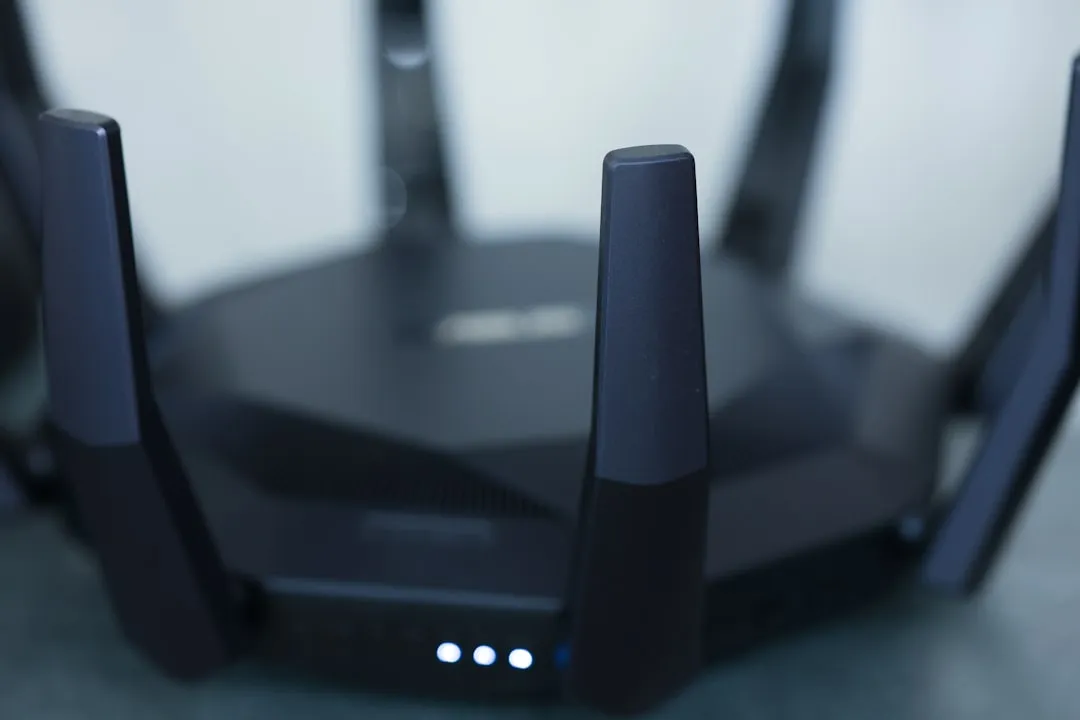
Beyond that, turning on QoS, the setting that lets a router prioritise gaming traffic, can help a busy household, and keeping your devices and router firmware up to date trims the odd stubborn millisecond. What will not help is buying a faster package in the hope it cuts ping, because past a sensible speed the download number and the ping number are unrelated. If you are slow everywhere as well as laggy, that is a speed problem, and a different one. Run the ping test before and after each change so you can see what actually moved the needle.
There is a limit to how low you can go, and it is set by the kind of connection coming into your house. This is the part where your broadband genuinely matters.
Full fibre has the lowest latency of the lot, often just a few milliseconds on the line itself, because light moving through glass is about as quick as it gets and there is no ageing copper in the way. Old part-copper FTTC lines add more delay, and they wobble more under load. 5G home broadband and especially satellite are higher again, sometimes dramatically so, because the signal has further and messier distances to travel. So if you have done everything above and your ping is still stubbornly high on every server, your connection type may be the ceiling, in which case it is worth knowing which line you are on and what you can move to. Moving from copper or 5G to full fibre will not fix a distant server or a wifi problem, but it does lower the floor your best-case ping can reach.
If that is your situation, here is a spread of live full-fibre deals, the connection that gives ping the best possible start, from the cheapest going to the fastest.
Under 20 ms is excellent, 20 to 50 ms is good and where most home connections sit, and 50 to 100 ms is fine for casual play. Above 100 ms you will notice lag, and over 150 ms competitive gaming suffers.
Usually the server is far away, you are on wifi rather than a cable or something in the house is hogging the connection. Old routers and slower connection types like 5G or satellite add to it. Most causes are local, not your provider.
Full fibre has the lowest latency of any home connection, often a few milliseconds on the line, and it holds steadier under load than copper. It lowers the best-case floor, but it cannot fix a distant game server or a wifi problem.
Ethernet, every time. A wired connection typically cuts 10 to 30 ms off your ping and removes the jitter wifi introduces, which is why serious gamers wire their console or PC straight into the router.
Download speed is how much data your line moves at once, in megabits per second. Ping is how long a single round trip takes, in milliseconds. A fast download speed does not mean a low ping, and for gaming the ping is what you feel.
The short version: ping is the number that decides whether your connection feels sharp, and it is mostly not about the speed you pay for. Wire in, pick a near server, clear the household traffic and measure each change with the ping test. If the floor is still too high after all that, the line itself is the limit, and full fibre is the one that lowers it.
Deals from the providers mentioned in this guide.
Best value

2200 Mbps upload · Full Fibre
Best for power users & big households
£25/mo
rises to £28 in April 2027 (+£3)
Avg £27/mo over contract · £648 total over 24 months
Full fibre
920 Mbps upload · Full Fibre
Best for power users & big households
£20/mo
rises to £23 in April 2027 (+£3)
Avg £22/mo over contract · £528 total over 24 months
Full fibre

2000 Mbps upload · Full Fibre
Best for power users & big households
£35/mo
No rises, no surprises.
£845 total over 24 months
Full fibre
100 Mbps upload · Full Fibre
Best for power users & big households
£25/mo
No rises, no surprises.
£605 total over 24 months
Full fibre
500 Mbps upload · Full Fibre
Best for 4–5 person households, heavy use
£16/mo
rises to £19 in April 2027 (+£3)
Avg £18/mo over contract · £432 total over 24 months
Best offer

115 Mbps upload · Full Fibre
Best for power users & big households
£33.99/mo
rises to £37.99 in March 2027 (+£4)
Avg £36.99/mo over contract · £888 total over 24 months
Compare at your address
Drop in your postcode for the live shortlist, speeds, prices, and which providers actually reach your line.
A quick comparison of the providers discussed in this guide.
| Provider | Type | Details |
|---|---|---|
Community Fibre | Provider | View deals → |
BT | Major provider | View deals → |
Sky | Major provider | View deals → |
Vodafone | Major provider | View deals → |
EE | Major provider | View deals → |
Compare at your address
Drop in your postcode for the live shortlist, speeds, prices, and which providers actually reach your line.
Providers featured
See allMentioned in this post

Community Fibre
London-focused full fibre provider with competitive pricing.

BT
MajorThe UK's largest broadband provider, offering FTTC and FTTP packages nationwide.

Sky
MajorPopular broadband and TV bundles with superfast and ultrafast options.

Vodafone
MajorFull fibre broadband with pro-rated exit fees and price guarantees.

EE
MajorBT-owned provider offering 4G/5G backup and fibre broadband.

A plain-English walk through every broadband contract clause that matters: minimum term, intro price, the new pounds-and-pence rise rule, setup fees, exit charges, cooling-off rights and the speed guarantee that can get you out free.

If your broadband is slower than advertised, a wired speed test against your minimum guaranteed speed tells you whether it is a wifi problem you can fix or a fault your provider has 30 days to put right.

Moving home means a new broadband order rather than a switch. Here is how to check what the new address can get, when to order and how to be online from day one.

Full fibre availability changes street by street. How to check your exact address, who is building it, and what to do if you cannot get it yet.
Compare at your address
Drop in your postcode for the live shortlist, speeds, prices, and which providers actually reach your line.


